Initial Setup
Guide to account setup and subscription options for Xops 360 Platform.
Account Registration
Customers interested in using the Xops 360 Platform can request for a new account by following these steps:
- Visit our website: Xops 360 Platform Free Trial Registration.
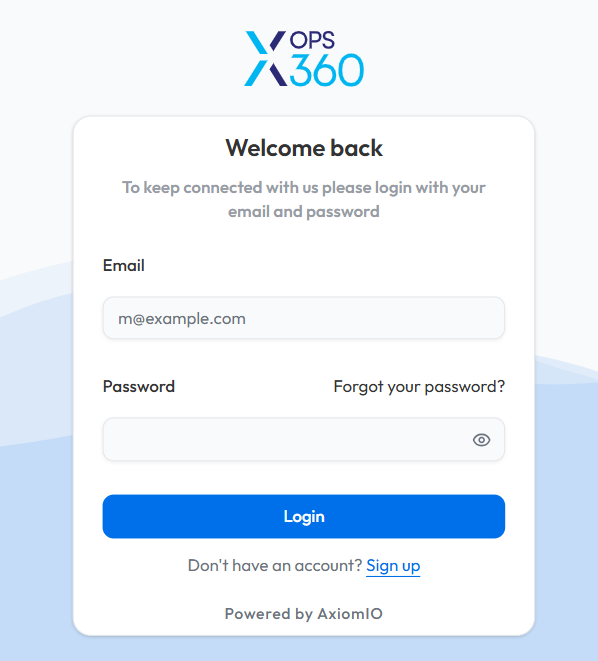
- Click on Sign Up to get an account request form.
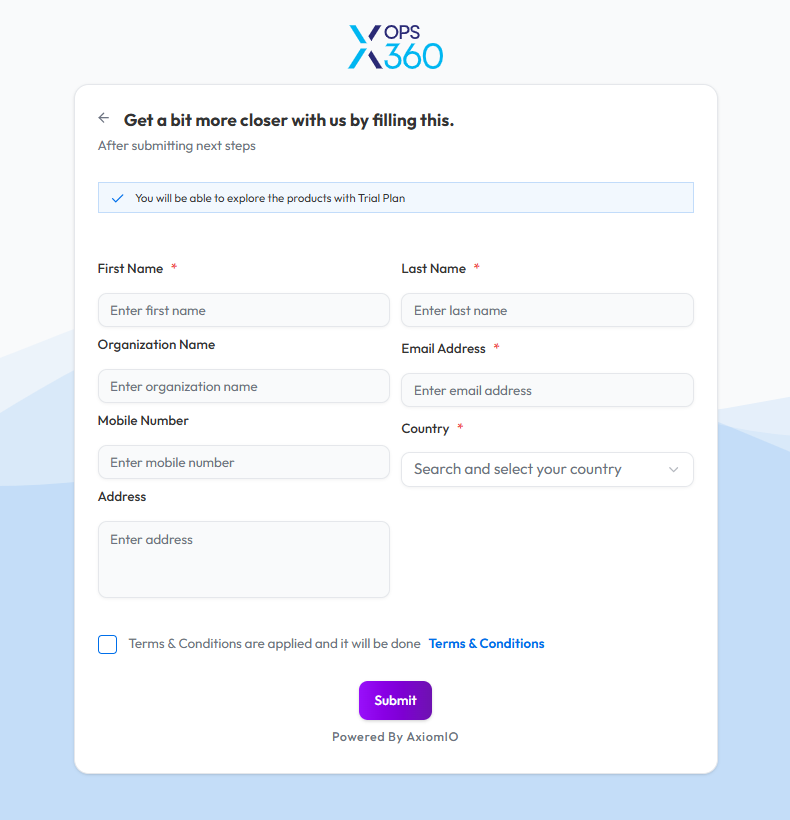
- Complete the account request form with the required details.
- Submit the form and Users will receive an email containing information to set up their password and complete the account setup process..
Alternatively, you can request for an account by contacting us directly at sales@axiomio.com. Our team will assist with the setup and custom subscription plan to receive an email with information to set your password and finalize the account activation.
For any assistance during the registration process, please contact our support team at sales@axiomio.com or call us at +1 510-254-3342.
Subscription Plans
Xops 360 Platform offers flexible subscription plans tailored to meet various security and operational needs.
Trial Subscription
Complimentary plan with limited access to core features for evaluation, including 1 scan per category.
1. Cloud FinOps:
- AWS Cost Analyzer
- Azure Cost Analyzer
- AWS RI Saving
- AWS Costmap
2. Cloud Security:
- AWS CIS Scan
- Azure CIS Scan
3. Cyber Security:
- OSINT Analysis
- Network vulnerability Discovery
Basic Subscription
Foundational tier offering essential functionalities and baseline capabilities with 3 scans per category.
1. Cloud Operations:
- AWS Unutilized Resources
- AWS Assets
- Azure Assets
2. Cyber Security:
- DAST Basic
- Web Directory Enumeration
3. Cloud Security:
- AWS PCI DSS Compliance
- Azure ISO 27001 Compliance
- Microsoft 365 Security
Advanced Subscription
1. Cloud Operations:
- AWS Resource Optimizer
- AWS Automation
- Azure Automation
2. Cyber Security:
- DAST Advanced
3. Cloud Security:
- AWS GDPR Compliance
- AWS SOC2
- Azure SOC2
- Microsoft Entra ID
4. Workload Security:
- AWS AMI Security
- AWS ECR Security
- Azure ACR Security
5. Kubernetes Automation
- EKS
6. AI Assistant
- AI FinOps
- AI Cyber Security
Note:
- AWS Automation and Azure Automation are not scanning services. Instead, we provide Terraform modules with defined inputs and outputs to facilitate infrastructure automation. Additionally, users have the option to download the respective files for deployment and customization.
Custom Plan
For organizations with unique security and operational requirements, we offer a Custom Plan tailored to specific needs.
To discuss a custom plan, please contact: sales@axiomio.com