
Generating a Cloud FinOps Report
SubmittingGenerating Supporta RequestsCloud FinOps Report
To ensuregenerate a smoothCloud experience,FinOps usersreport can submit support requests throughusing the platform'sX-Ops dedicatedAI helpAssistant, section. Followfollow these steps to seek assistance:steps:
-
Log in to the Platform
- Access the platform and sign in using your credentials.
-
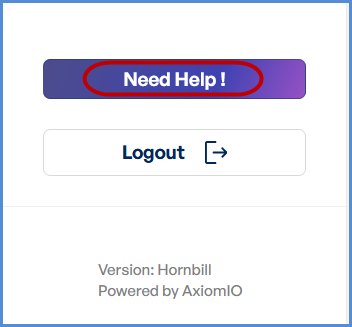
LocateAccesstheAI"Need Help" ButtonAssistantNavigatetoLocate the
sideAImenuAssistant icon in the top right corner of the screen and click ontheit."Need Help"button.- This action will open a pop-up form to submit your request.
FillReportin the Help Request FormGeneration-
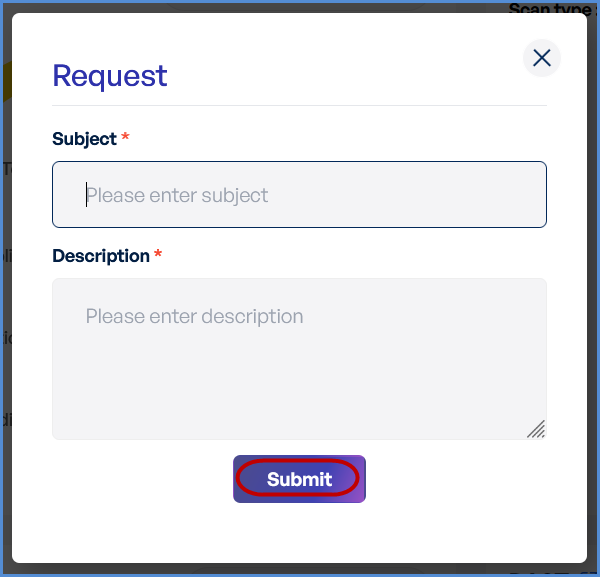
Subject Field:EnterSelect Generate aconciseCloudandFinOpsdescriptiveReporttitlefrom the options displayed.-
The AI Assistant will automatically begin generating the FinOps report for
yourtherequestmanagement(e.g.,account"Issueintegrated withScantheResults"X-Opsor"Access Request Assistance").
-
reportDescriptionTheField:- generation
Provideprocessdetailedtypicallyinformationtakesaboutbetweenyour issue or request.Include specifics like error messages, steps5 toreproduce10theminutes.issue, or any other relevant details.
-
SubmitReceiving and Viewing theRequestReport
ReviewyourOnce
inputtheandreportensureisaccuracy.ready, you will receive a report with an Open Report option.-
Click Open Report to view the
SubmitcompletebuttonFinOpstoreport.send your help request.
ConfirmationDownloading
the ReportA confirmation message will appear onceInside therequestreportisview,successfullylocatesubmitted.the Download button at the top right corner.-
Click Download to save the report to your device.